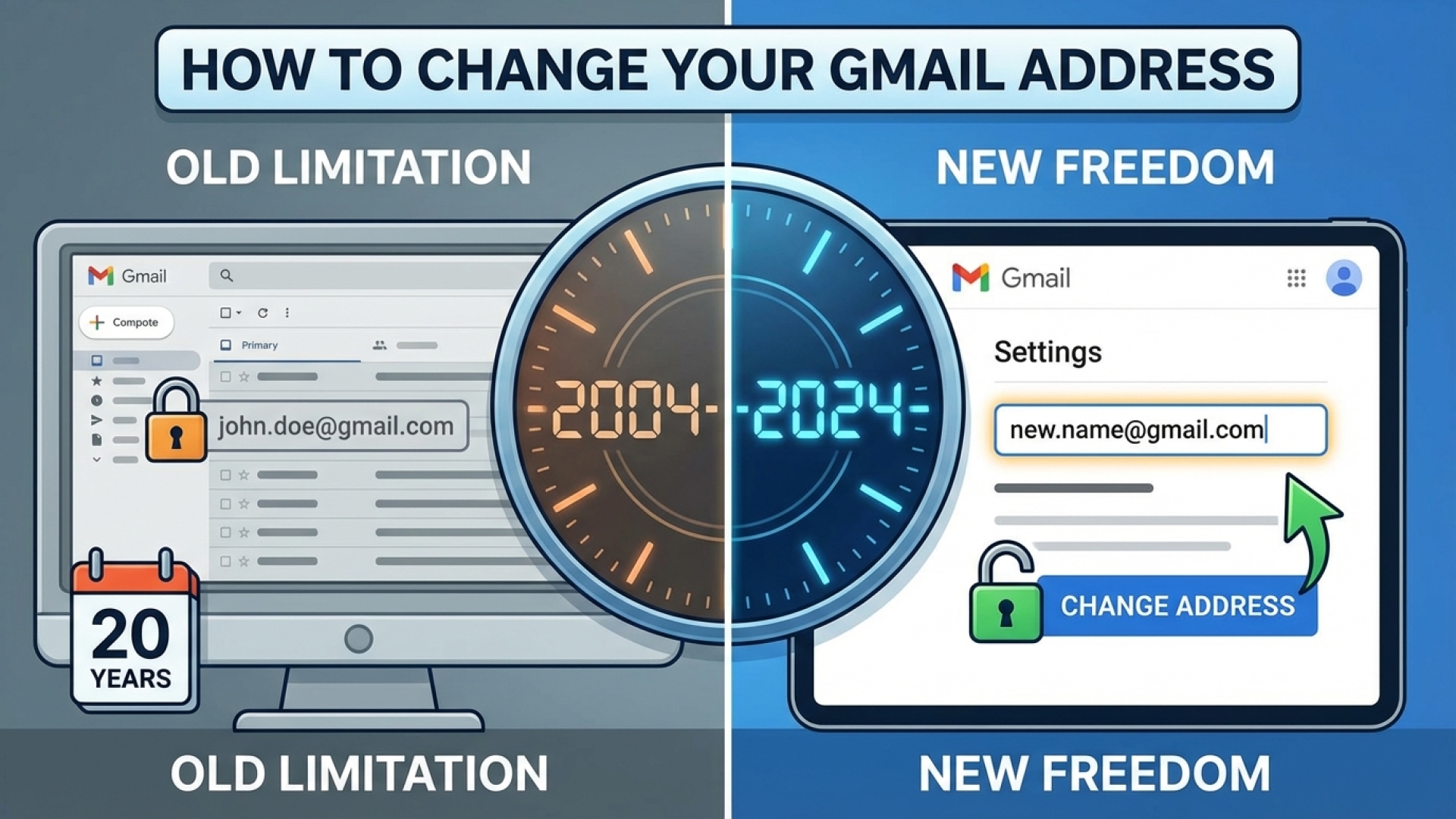
For many professionals across Western New York, an email address created in the early 2000s—perhaps featuring a teenage nickname or a long-defunct local sports reference—has been a lingering digital ghost. Whether you are applying for a position at a burgeoning Buffalo tech startup or simply trying to maintain a professional image in regional politics, that “@gmail.com” handle matters.
Google announced this week a significant shift in its platform policy, finally allowing U.S. users to change their Gmail usernames. This update ends a 22-year limitation that previously forced users to either stick with outdated addresses or endure the headache of starting a completely new account and losing years of data.
As this feature rolls out, it provides a much-needed tool for members of our community to modernize their digital presence without losing their connection to vital services. Google confirms that all emails, account data, and history are preserved during this transition.
Understanding the Transition Process
The update is designed as a transition rather than a hard reset. When you select a new username, Google does not delete your old one. Instead, the previous address becomes an “alias.” This ensures that any communications sent to your old handle—perhaps from a contact you haven’t spoken to in years—will still arrive in your inbox. You can also continue to send emails from the old address if necessary and use it to sign in to your account.
However, users should note a few technical nuances. According to Google’s documentation, the old address may still appear in legacy instances. For example, entries on Google Calendar created before the change will likely still display the original username. For those navigating the local community events circuit, this is an important detail to keep in mind when managing shared schedules.
The Rules of the Switch
To prevent platform abuse, Google has implemented specific limitations on how often you can modify your identity. Before you dive into the settings, review the following constraints:
| Feature | Policy Detail |
|---|---|
| Total Lifetime Changes | 3 times (4 total usernames including the original) |
| Frequency Limit | One username swap per year |
| Cooldown Period | 30 days required before a new selection if reverting to a previous name |
| Legacy Functionality | Old address remains active as a functional alias |
Step-by-Step Guide: Changing Your Gmail Username
For Western New Yorkers looking to refresh their digital brand, the process is straightforward. Ensure your account has the feature enabled by following these steps:
- Log into your Google Account and click your profile picture in the top-right corner. Select “Manage your Google Account.”
- Navigate to the “Personal info” tab on the left-hand menu and scroll down to the “Contact info” section. Click on “Email.”
- Locate the “Google Account email” option. If the feature is active for your account, you will see a “Change Google Account email” button or a pencil (edit) icon next to your current address.
- Verify your identity by entering your account password and completing any necessary two-step verification prompts.
- Enter your new desired username. The system will check for availability in real time.
- Once you have confirmed your choice, save the changes. The update applies instantly across all Google services, including Drive, Photos, and Maps.
This long-awaited update is particularly beneficial for those in the Western New York lifestyle and professional spheres who have outgrown their original digital identities. By streamlining this process, Google is allowing users to maintain their digital history while finally projecting the professional image they desire.
Disclaimer: The content provided by Lake Erie Times is for informational purposes only and should not be considered as professional legal or financial advice.
Affiliate Disclaimer: Some links on Lake Erie Times are affiliate links. This means that if you make a purchase through these links, we may earn a commission at no additional cost to you. Our recommendations are based on careful research and our commitment to quality journalism.